 Piktures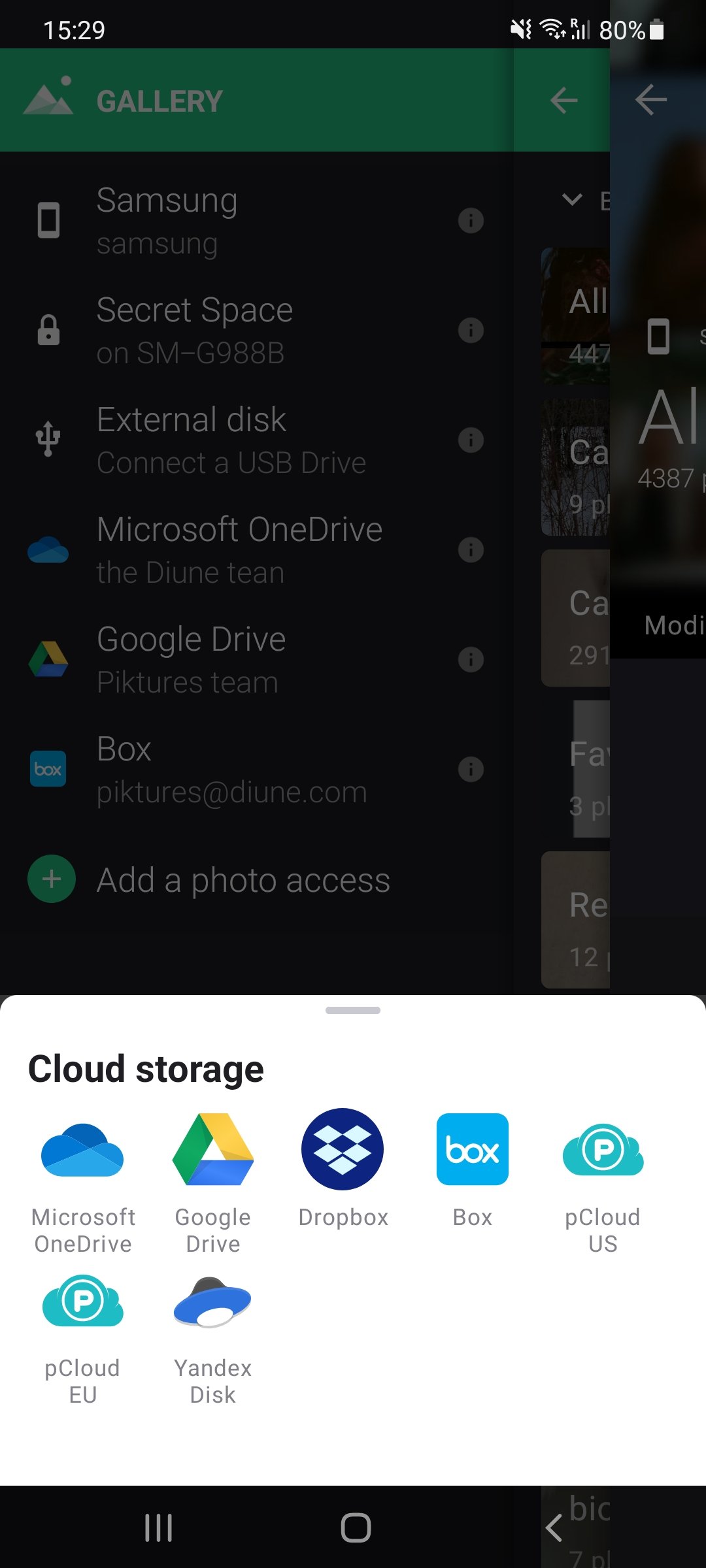
Guiding Tech
Piktures vs Quickpic: Which Gallery App Should You Use
2018 · English · Article
Guiding Tech's November 2018 head-to-head sets Piktures against QuickPic. It notes that both are fast, ad-free apps with more than a million downloads each, and that Piktures takes about 30 MB once installed. The writer finds the Piktures interface strikingly beautiful, simple, fluid and responsive, and contrasts it with QuickPic's dated look. They prefer Piktures' fingerprint- or PIN-locked secret vault, which encrypts the selected photos, to QuickPic's easily bypassed hiding. They also find excluding folders simpler through Piktures' side menu. The calendar view is described as a visual way to find everything shot on a given date. The reviewer notes that the built-in editor only crops and rotates, and they criticise the lack of a search function. Tag editing, an OCR tool for extracting text from photos, and access to Google Drive, Dropbox and OneDrive are presented as partial compensation. Their verdict favours Piktures for combining modern design, strong features and regular updates.
The original page is no longer online. The archived copy comes from the Internet Archive.