 Piktures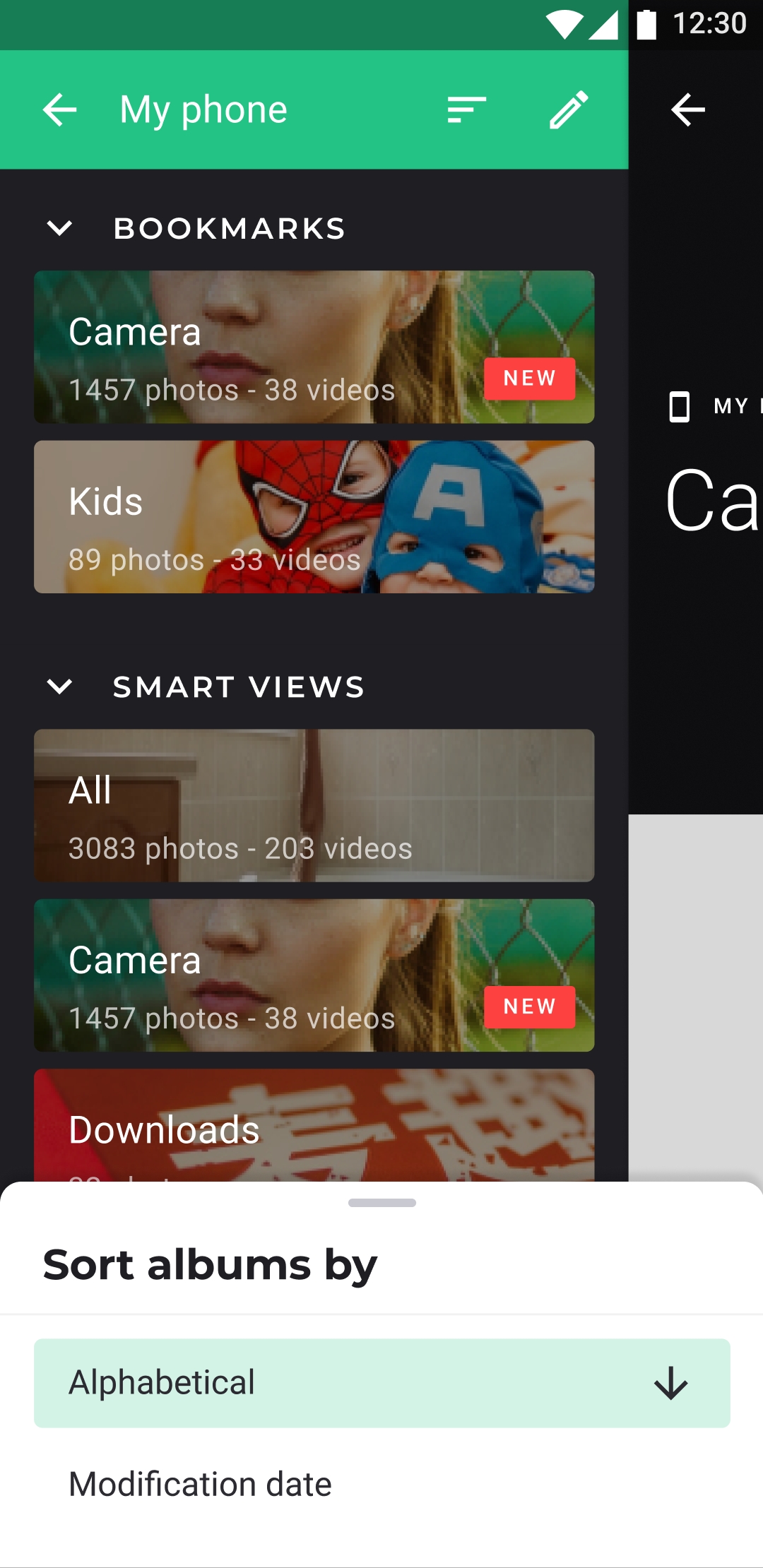
Guiding Tech
Piktures: A Feature-Rich Photo Management Android App
2015 · English · Article
Written as QuickPic was passing to Cheetah Mobile, this Guiding Tech feature puts forward Piktures as a new gallery with plenty of features that readers could switch to. The reviewer explains its three ways of browsing: folders shown as albums in the left sidebar, GPS-tagged places in the right sidebar, and a calendar that places thumbnails on dates. They show how two views can be combined, for example choosing a city and then a date, and find this especially useful for large libraries. Each album has a parallax cover that can be swapped for any photo, blurred and cropped, and the effect can be switched off in settings. Other options mentioned are 4- or 5-column grids, maximum screen brightness while viewing, and hiding or reordering albums, such as keeping the screenshots folder out of sight. The reviewer's favourite feature is resizing a photo or stripping its GPS data when sharing, which protects privacy and saves bandwidth, although the prompt only appears for high-resolution photos that carry location data. The verdict: a likely strong QuickPic alternative that still has fewer features, given its early stage of development.
The original page is no longer online. The archived copy comes from the Internet Archive.