Manual
Piktures
The guide to your gallery: albums, clouds, the SD card, and the Secret Space.
Albums
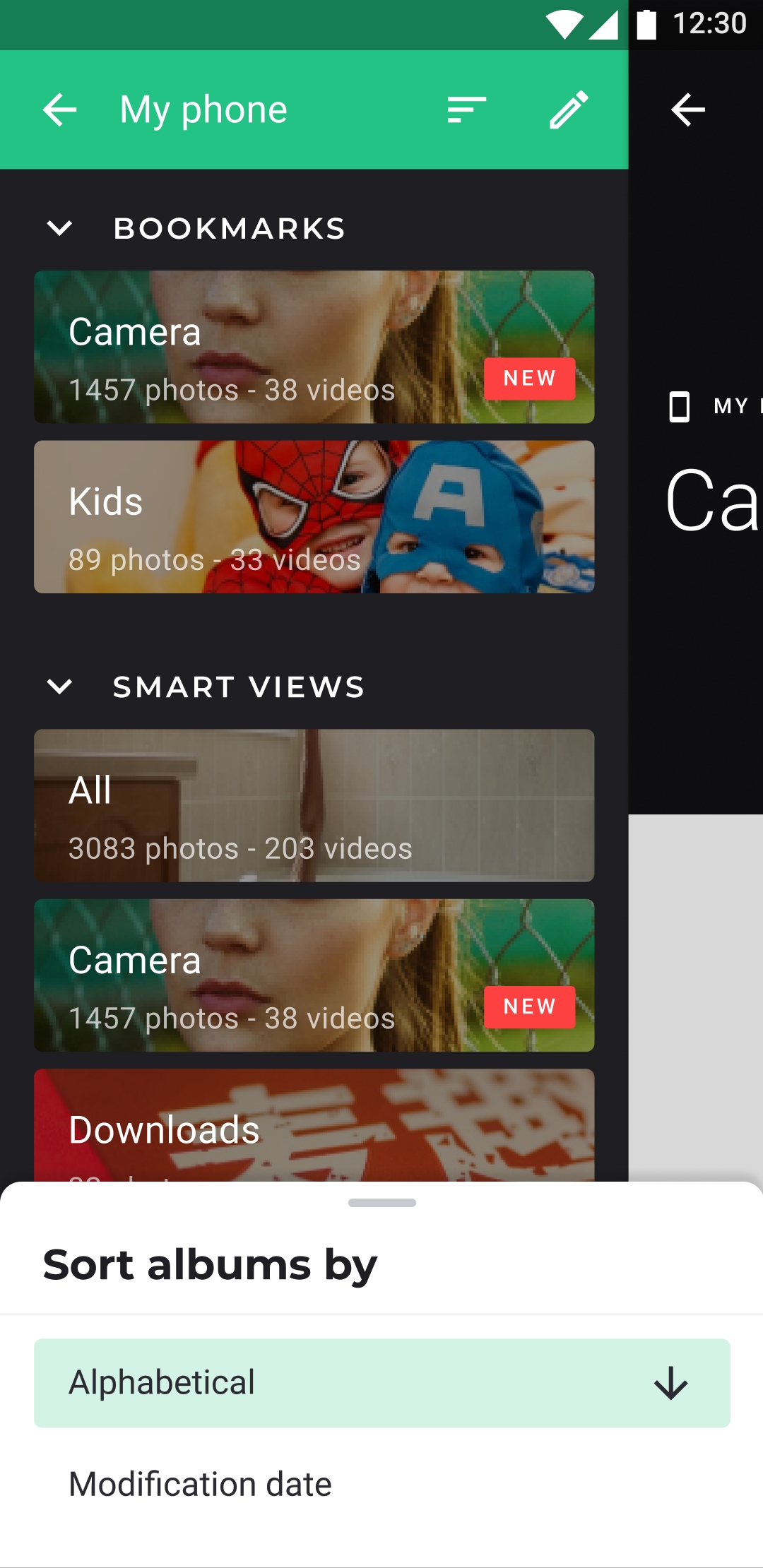
Bookmarks at the top
The albums you open every day
Pin the albums you use most above the full list.
Albums
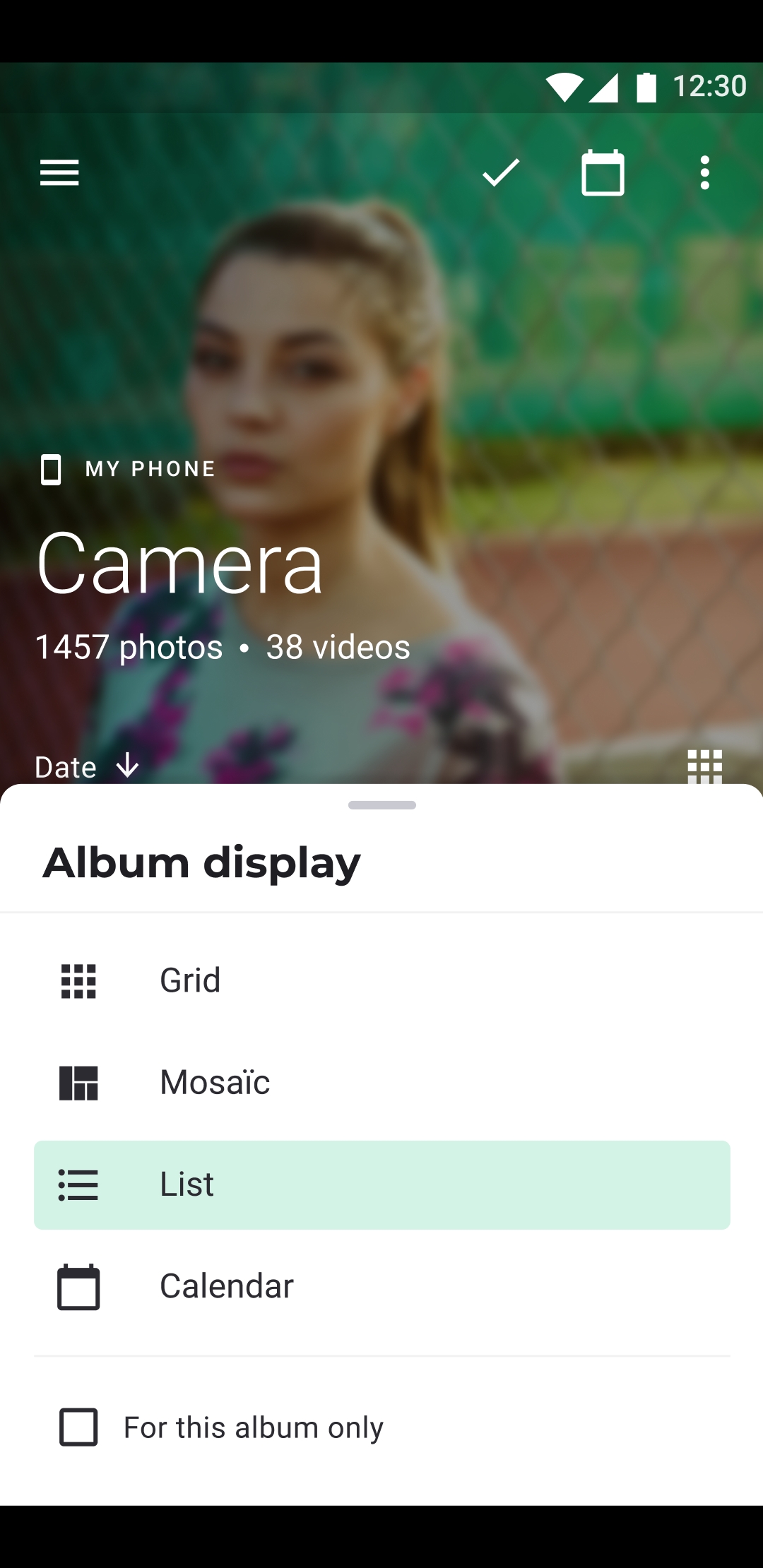
Grid, mosaic, or list
Change how the photos are laid out
Set the view for this album, or make it the default for every album.
Storage and Cloud
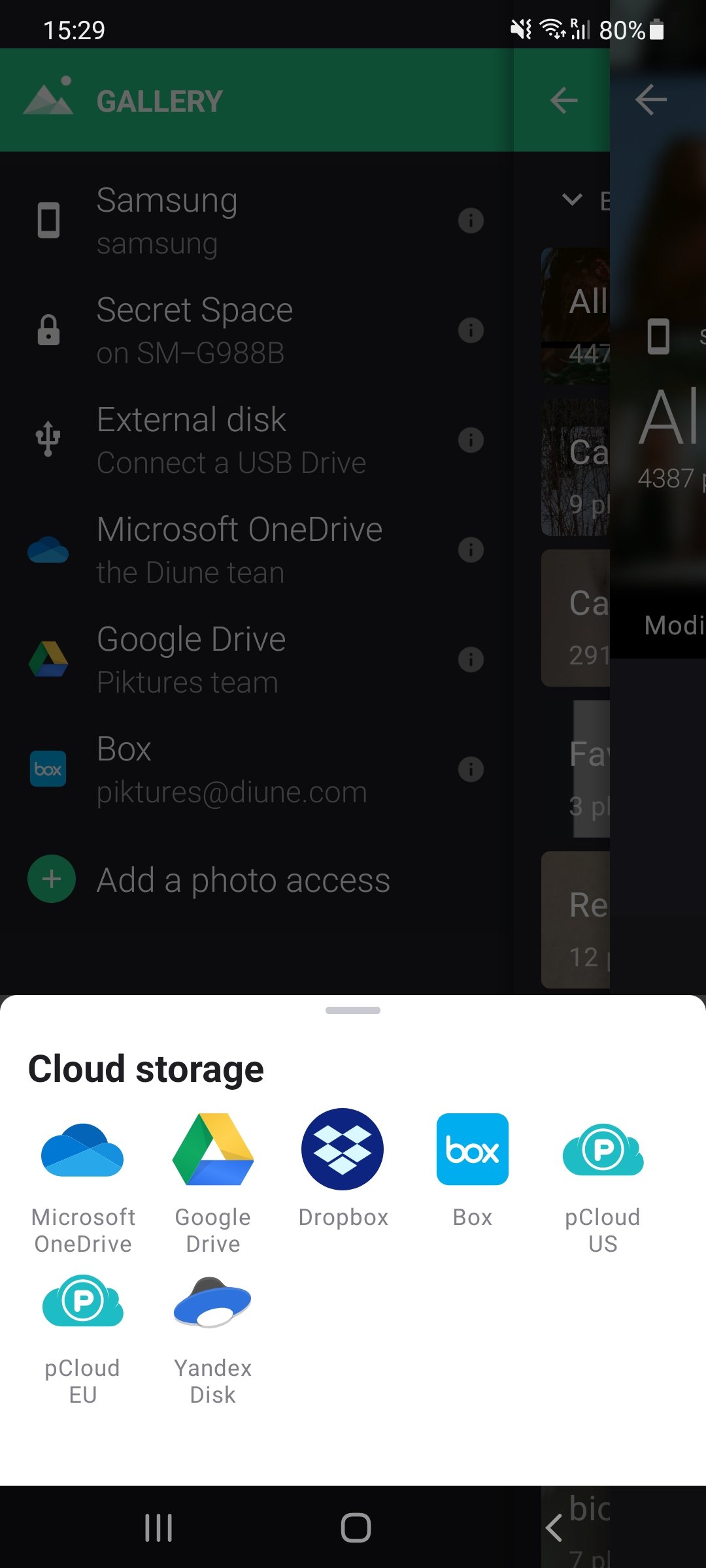
Add a cloud
Drive, Dropbox, OneDrive
In the Storage tab, pick a service under Add a new access, then sign in.
Secret Space
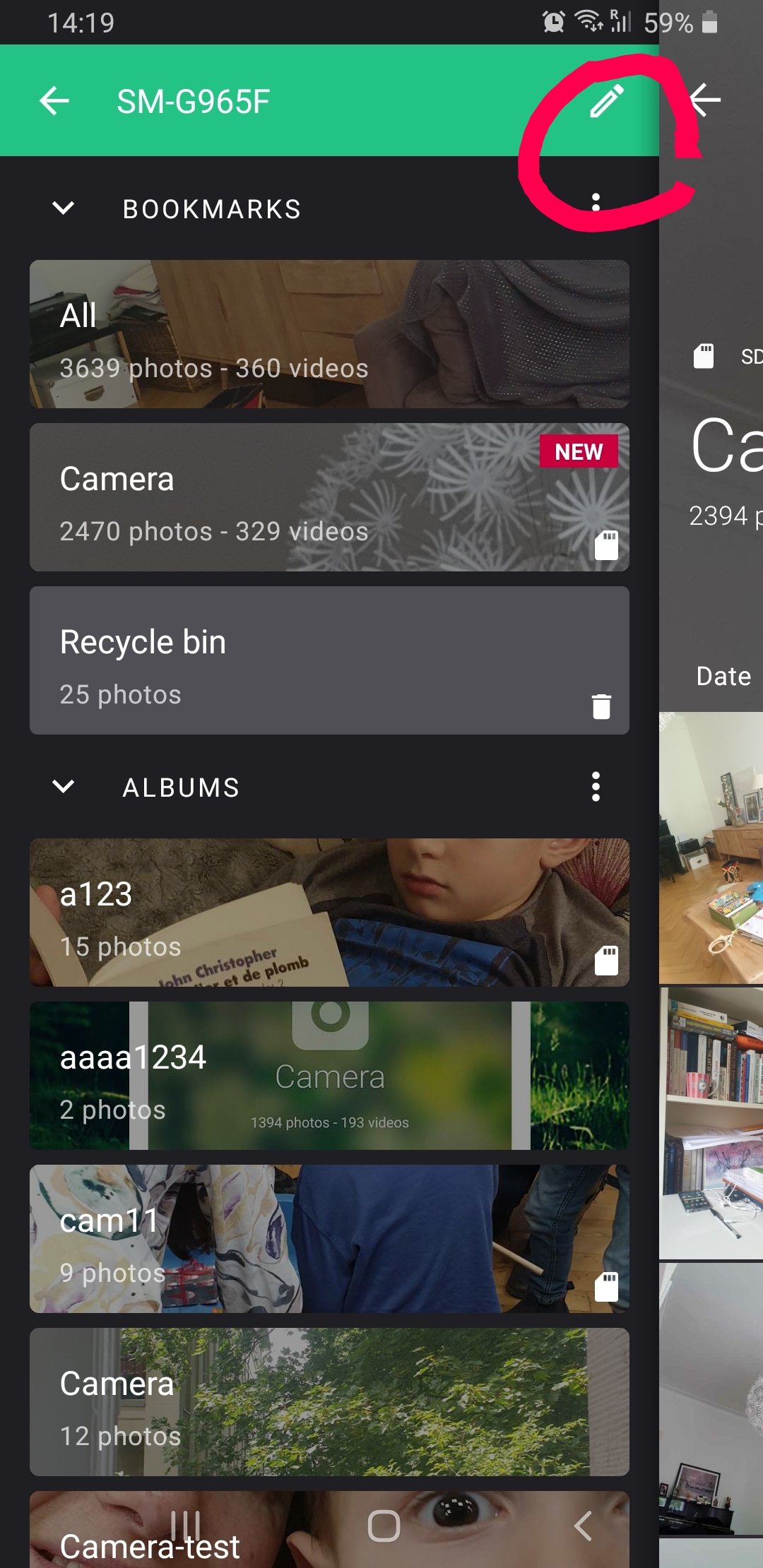
A place behind a PIN
The Secret Space
Hide a folder in the gallery, or move photos behind your PIN.
Every chapter
PrinciplesPrivacy, ads and consent, openness, and why the app is built to last.AlbumsHow folders become albums, how to display, bookmark, group, sort, rename, hide, or delete them, and what each album's menu, display, and cover offer.PhotosThe viewer and sharing, selecting, renaming, and deleting photos, the camera and QR codes, plus the widget and the wallpaper.VideosThe video player: its speed, brightness, and sound, and motion photos.SearchSearch by text, date, place, camera, or tag, tag your photos, and save your searches.Secret SpaceThe space behind your PIN: its options, a forgotten PIN, and backups.Storage and CloudClouds and network drives, service by service, copying between drives, backups, USB drives, and the SD card.Photo EditorCrop, straighten, filter, adjust, draw, or write on a photo, and save an edited copy.Video EditorTrim a video, mute it, insert another, change its speed, or save a frame, and save an edited copy.CreateSmart Cleanup, collages, PDFs, and profiles.Settings & plansEvery setting, the paid plans, memory and data use, and the debug log.Common issuesToo many cached folders, and a purchase that isn't recognised.AboutDiune, and how the app stays independent.ReleasesWhat's new in 2.26, and what changed in earlier versions.
Piktures is free on Google Play. Paid plans remove the ads. Premium and Prime also add more clouds, USB drives, and backup.
Search the manual
Search page titles and guides