Manual
Storage and Cloud
Clouds and network drives, service by service, copying between drives, backups, USB drives, and the SD card.
Clouds and network drives
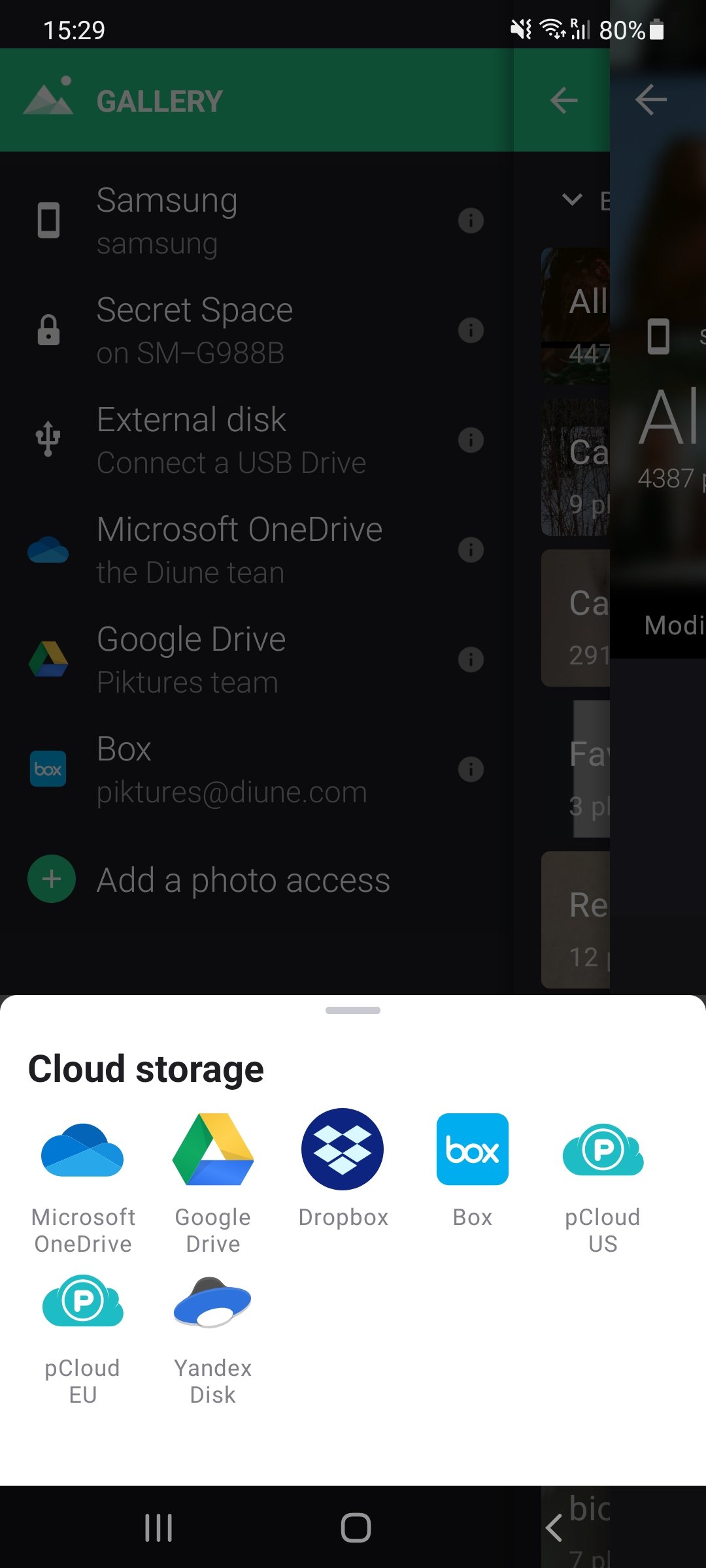
How to add a cloud
Connect a cloud, a network drive, or a WebDAV server from the Storage tab.

Dropbox
Connect your Dropbox account to Piktures.
Google Drive
Connect Google Drive to Piktures. Piktures only sees the files it has uploaded itself.
Koofr
Connect your Koofr storage to Piktures with a Koofr app password.
Microsoft OneDrive
Connect one Microsoft OneDrive account to Piktures.
Nextcloud
Connect your Nextcloud server to Piktures, over HTTPS.
Yandex Disk
Connect Yandex Disk to Piktures with a Yandex app password.
Network drive (SMB)
Open the photos on a NAS or a computer of your home Wi-Fi network, with SMB.
Webdav
Connect any WebDAV server to Piktures, over HTTPS.
Copy, move, and back up
SD card and USB
Search the manual
Search page titles and guides