Albums
Sorting items in an album
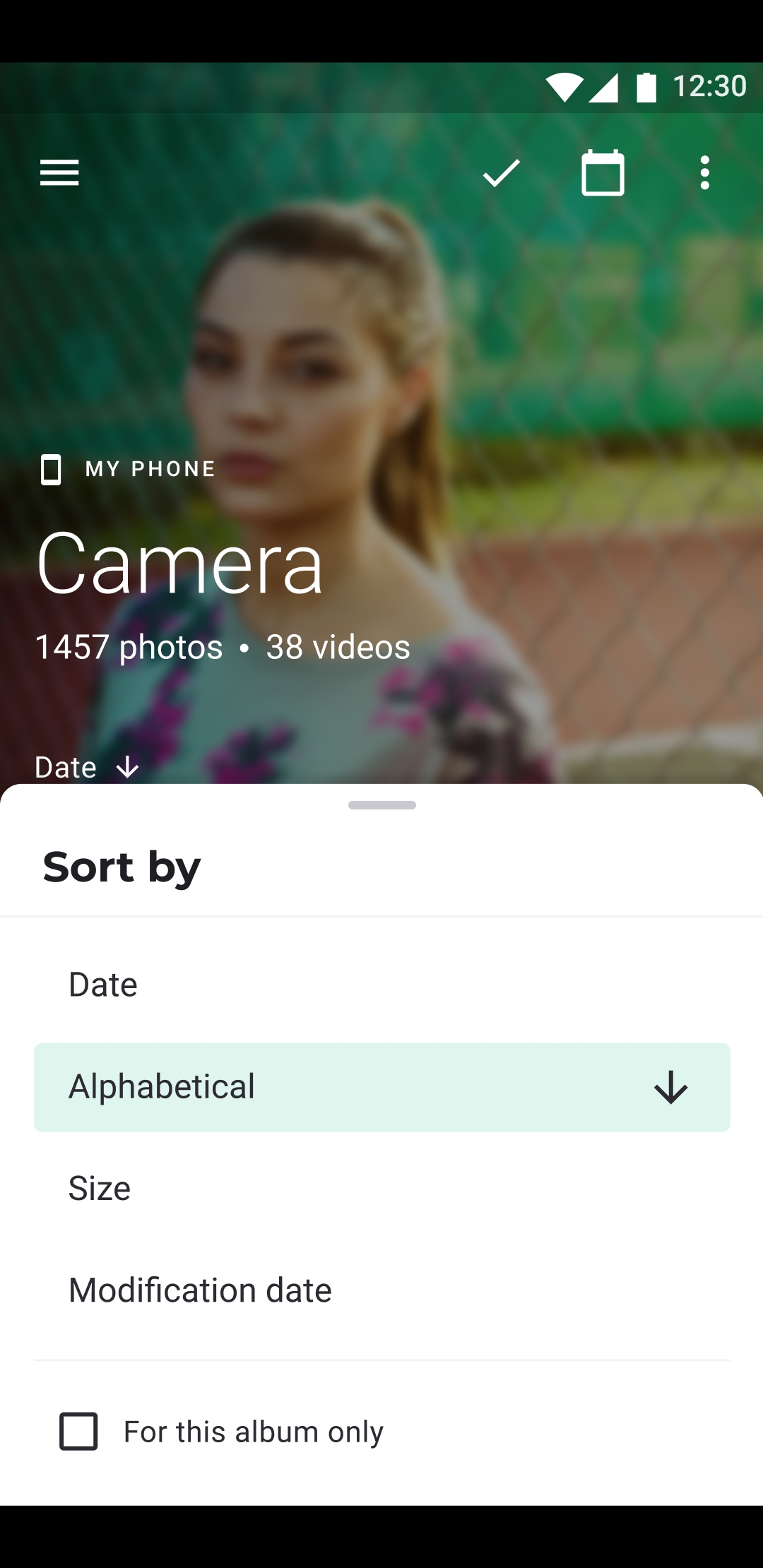
- Open the album in the Photos tab.
- Tap ⋮ at the top right.
- Tap the row that shows the current order, such as Modification date.
- In Sort by, choose an order and tap Save.
The orders
- Alphabetical: by file name.
- Modification date: the date the file was last changed.
- Size: the size of the file.
- Date: the date the photo was taken. When a file has no such date, its modification date is used.
- Creation date: the date the file was added to the phone.
A new choice starts in descending order, such as newest first. Tap it again to reverse it: the arrow shows the direction.
By default, albums are sorted by Modification date, newest first.
This album, or all albums
- With For this album only checked, the order applies to this album.
- Unchecked, it becomes the default for every album that doesn't have an order of its own.
Orders on other storages
| Storage | Orders offered |
|---|---|
| Phone, Secret Space, Google Drive, USB drive | all five |
| Network drive, Webdav, Nextcloud, Koofr, Yandex Disk | all except Date |
| OneDrive | Alphabetical and Modification date; only Modification date in the All album |
| Dropbox | none |
To sort the list of albums itself, see Sorting the list of albums.